
What happens when your lead engineer drops their phone in a lake and your root AWS account is locked behind a missing MFA device? For IT teams and MSPs, MFA backup codes are the difference between a five-minute recovery and a catastrophic week-long lockout.
Understanding MFA Backup Codes
MFA backup codes, often referred to as recovery codes, are static alphanumeric strings generated by an identity provider during the initial setup of multi-factor authentication. Unlike a one-time password (OTP) that changes every 30 seconds, backup codes remain valid until they are used or specifically regenerated.
These codes serve as a "break glass" mechanism for your security infrastructure. If your primary second factor – such as a hardware token or a TOTP-based authenticator app – becomes unavailable, these codes allow you to bypass the standard authentication prompt to regain access to the account.
To manage these effectively, you must understand their unique properties:
- One-time use: Once a specific code is used to log in, it is immediately invalidated by the provider.
- No time expiry: Unlike TOTP codes, they do not expire after a few seconds; they stay active until used or revoked.
- Revocation: Generating a new set of codes typically invalidates all previously issued codes for that account, ensuring old copies cannot be used for parallel access.
Why Backup Codes Are Essential for Resilience
While primary MFA methods are highly secure, they are frequently tied to physical devices or specific software instances. If a device is lost, stolen, or wiped, you lose your ability to authenticate. For critical infrastructure, such as cloud providers or domain registrars, the recovery process without backup codes can involve arduous identity verification, notarised documents, and days of downtime.
Account recovery requires a secure fallback to prevent permanent loss of access. Backup codes provide this safety net in a way that remains under your organisation’s control, allowing you to maintain business continuity without relying on external support queues.
Risks of Improper Backup Code Management
The greatest strength of backup codes – their persistence – is also their greatest vulnerability. Because they are static, anyone who gains access to these codes can bypass your MFA entirely. Many IT teams fall into risky patterns that create a parallel, unmonitored access path, circumventing an otherwise strong security posture. Common mistakes include:
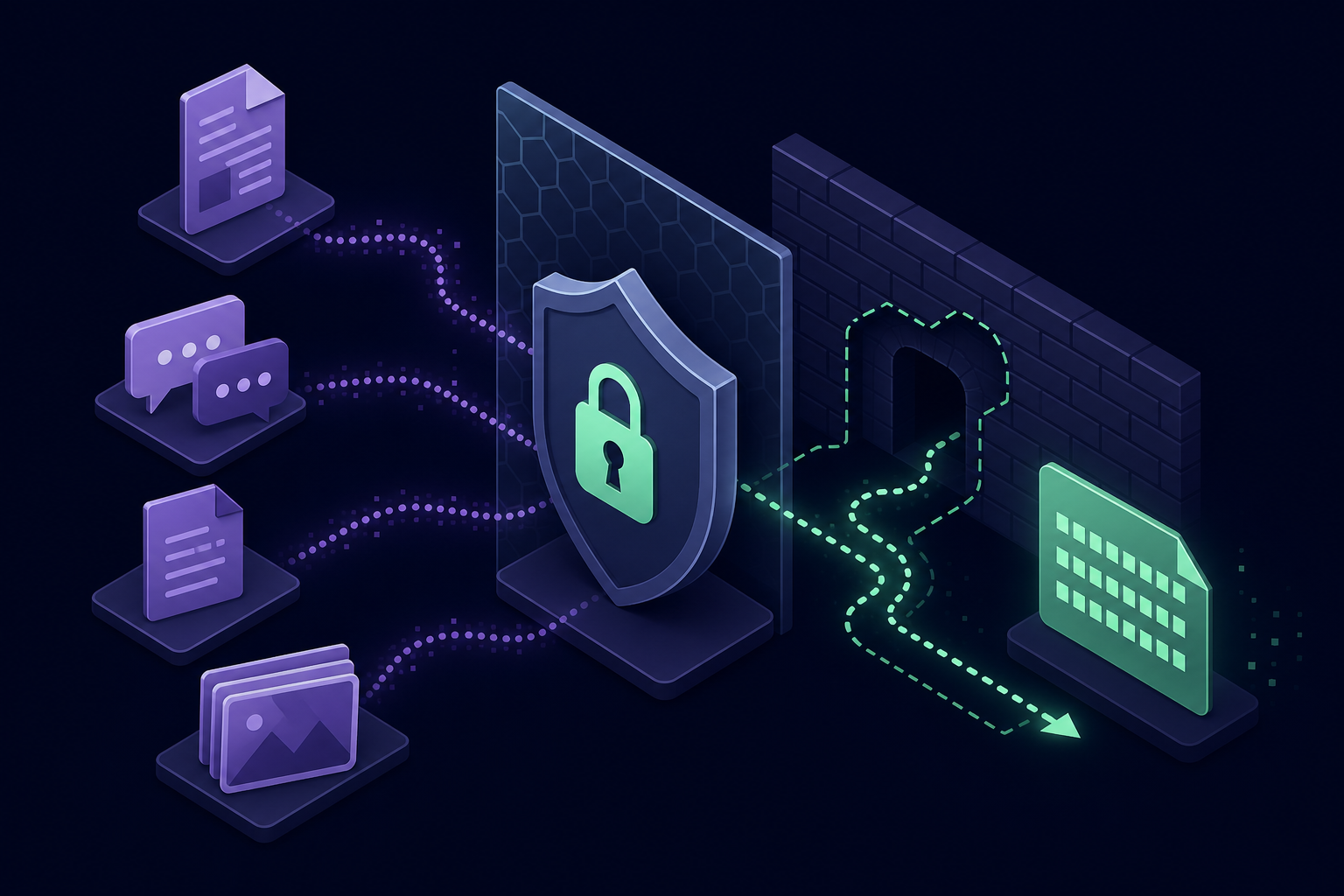
- Storing codes in unencrypted shared documents or spreadsheets.
- Posting codes in ticket comments or internal chat platforms.
- Keeping local text files on technician workstations.
- Saving screenshots in cloud photo libraries.
For MSPs, this risk is magnified across dozens of client environments. Without centralised MFA management, a single compromised technician workstation could expose recovery credentials for an entire client base.
Security Best Practices for Recovery Credentials
To maintain a high security standard while ensuring availability, you should treat backup codes with the same governance as root passwords and other administrative secrets.
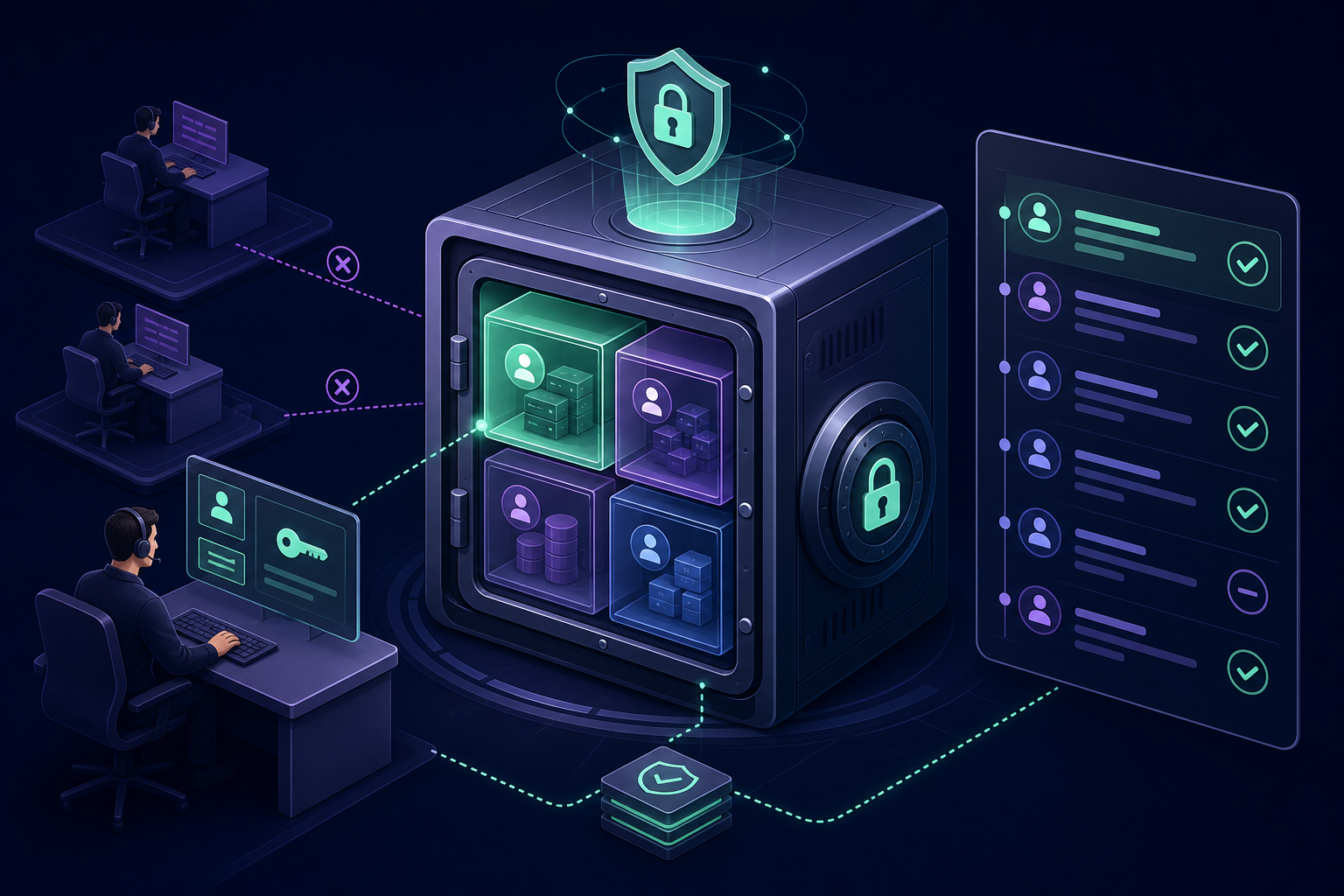
- Store codes in an encrypted vault: Never store backup codes in plaintext. They should be housed in a shared OTP vault or a secure credential manager that uses AES-256 encryption.
- Implement granular access control: Not every technician needs access to the recovery codes for every account. Use shared account MFA management tools to restrict visibility based on the principle of least privilege.
- Maintain full audit logs: Every time a backup code is viewed or used, the action must be recorded. Audit trails should capture who accessed the code, the timestamp, and the reason for the recovery event to help detect potential abuse.
- Rotate codes regularly: Whenever a team member with access to these codes leaves the organisation, or when a code is used, you should regenerate the entire set to ensure dormant credentials do not remain active.
Streamlining Recovery with Gatera
Managing individual backup codes and TOTP seeds across a growing team is a significant operational burden. Gatera simplifies this by providing a centralised MFA management platform designed specifically for the needs of IT teams and MSPs.
With Gatera, you can consolidate shared OTP codes and recovery secrets in a single, encrypted location. MSPs can utilise per-client vaults to ensure technicians only see the codes relevant to their current tasks, maintaining strict isolation between environments. This approach allows you to maintain a clear record of every time a secret is accessed, fulfilling compliance requirements while improving accountability.
Stop relying on personal devices and scattered text files for your most sensitive recovery credentials. Start your 14-day free trial of Gatera today and secure your team’s access with a professional, team-based MFA vault.