
How long would it take an attacker to dismantle your infrastructure if they stole a single admin password? Stolen credentials remain the leading initial attack vector in data breaches, making Privileged Access Management (PAM) a critical priority for every security-conscious IT team.
What is Privileged Access Management?
Privileged Access Management is a cybersecurity framework designed to control, monitor, and secure identities with elevated permissions. While standard identity and access management handles general user access, PAM focuses specifically on high-value accounts that can modify configurations, access sensitive data, or shut down entire systems. These accounts represent the most significant risk to your organisation because they bypass many standard security restrictions.
According to Verizon’s 2023 Data Breach Investigations Report, 49% of all analysed breaches involved the use of stolen credentials. PAM aims to mitigate this risk by ensuring that administrative power is never left unguarded. By applying consistent, policy-based security controls, you can define exactly which target systems an identity can access and what actions they are authorised to perform.
Core Pillars of a PAM Strategy
A robust PAM strategy moves your organisation away from static, shared passwords and toward a zero trust model where every action is verified. This approach treats identity as the new perimeter, requiring rigorous validation at every access point.

The Principle of Least Privilege (PoLP)
The foundational concept of PAM is the Principle of Least Privilege. This ensures that users, even senior administrators, are only granted the minimum access levels necessary to perform their specific job functions. By restricting permissions to only what is required, you reduce the attack surface and limit the "blast radius" if an account is ever compromised.
Credential Vaulting and Automated Rotation
Static passwords are a major liability. PAM solutions utilise secure digital vaults to store privileged credentials using high-level encryption, such as AES-256. These systems often automate password rotation, changing secrets frequently so that a stolen password becomes useless almost immediately. This is particularly important for hardening the AWS root user, which possesses absolute control over your cloud environment.
Just-in-Time (JIT) Access
Instead of granting permanent, always-on administrative rights, JIT access provides elevated privileges only when needed and for a limited duration. This narrows the window of opportunity for attackers and ensures that idle accounts do not remain a dormant threat. By removing persistent administrative rights, you significantly lower the risk of lateral movement within your network.
Session Monitoring and Auditing
Visibility is essential for maintaining a strong security posture. PAM tools record and monitor privileged sessions in real-time, providing a detailed audit trail for forensic investigations. This helps your team identify anomalous behaviour before it results in a data exfiltration event. Centralising these logs is a requirement for many SaaS MFA management frameworks, as it allows you to demonstrate absolute control over administrative access to auditors.
Securing the Human Element with MFA
Research indicates that 74% of all breaches include a human element, such as privilege misuse, error, or social engineering. To counter this, multi-factor authentication is a mandatory layer for any account with elevated privileges. By understanding what MFA is and how it neutralises the threat of stolen passwords, IT teams can build a more resilient defence.
For IT teams and Managed Service Providers (MSPs), managing these factors can be an operational hurdle. When MFA secrets for administrative accounts are tied to an individual's personal smartphone, it creates a single point of failure. If that person is unavailable or leaves the company, the entire team faces a lockout.
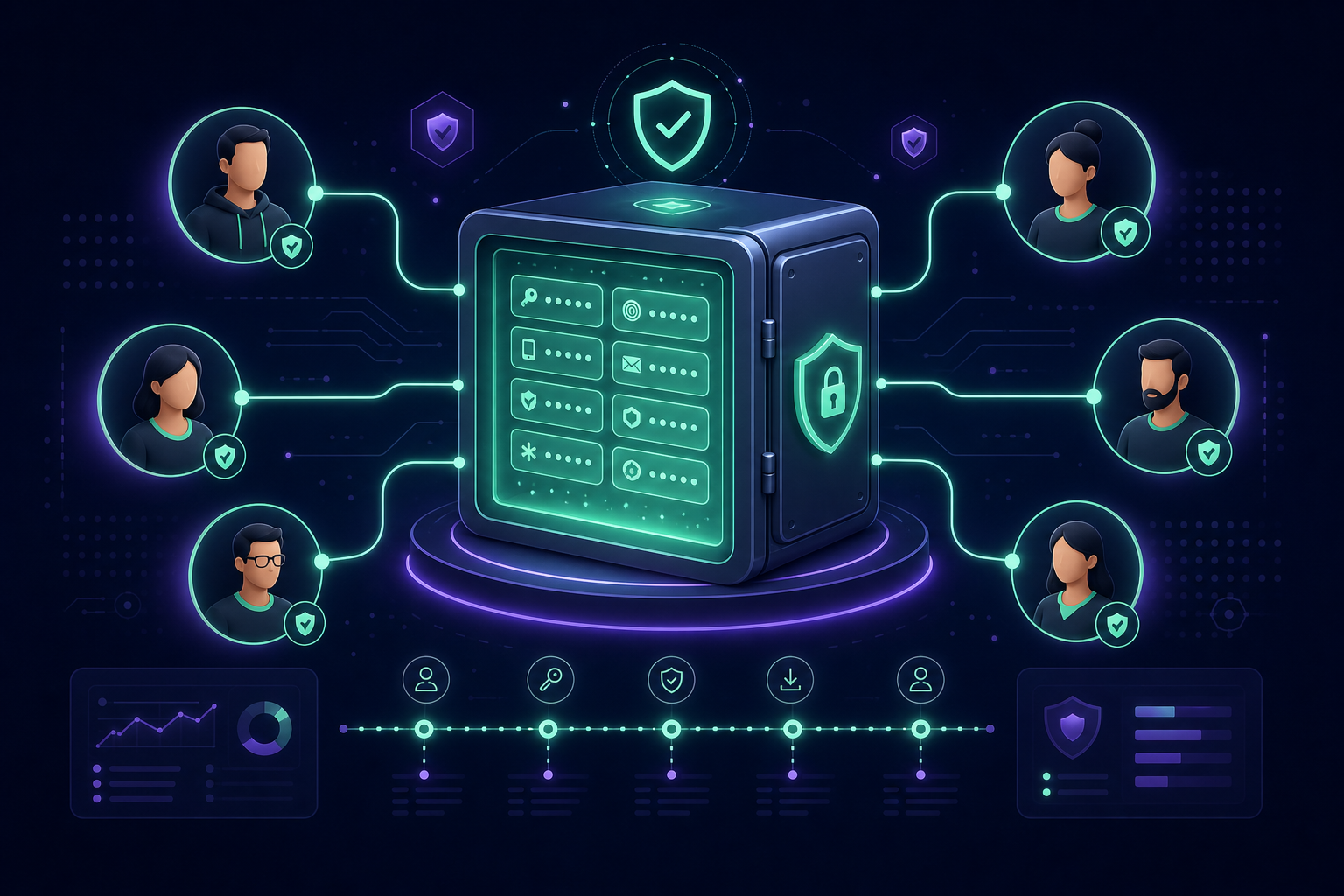
Many organisations bridge this gap by using a centralised MFA management platform. By storing Time-based One-Time Password (TOTP) secrets in a secure, shared OTP vault, teams can access the codes they need without compromising the security of the underlying secret or relying on insecure methods like SMS.
Criteria for Evaluating a PAM Solution
When assessing a PAM solution for your organisation, you should consider several technical and operational requirements to ensure it meets your security goals:
- Discovery and Inventory: The tool must be able to automatically find and onboard existing privileged accounts, including service accounts and "shadow" admin accounts that often go unmanaged.
- Ease of Integration: Verify that the solution integrates with your existing directory services and the various SaaS platforms your team uses daily to avoid fragmented workflows.
- Granular Access Control: You should be able to define roles with precision, ensuring that a technician working on one client or department has no visibility into another's secrets.
- Audit Readiness: Look for solutions that provide detailed, immutable logs of who accessed which resource and when to support compliance with standards like SOC 2 or ISO 27001.
- Scalability and Ease of Use: A tool is only effective if your team actually uses it. The platform should make onboarding and offboarding team members an instant process rather than a manual configuration headache.
Strengthening Your Identity Security
Implementing Privileged Access Management is more than a technical deployment; it is the adoption of a governance-first mindset. By combining the principle of least privilege with strong technical controls like credential vaulting and centralised MFA, you effectively neutralise the threat of stolen passwords.
If your team is currently struggling with administrative MFA codes scattered across personal devices, moving to a professional vaulting system is the most effective first step toward a mature PAM posture. This ensures that your most sensitive access points remain secure, auditable, and accessible to the right people at the right time.
Secure your administrative credentials and eliminate single points of failure. Start a 14-day free trial with Gatera to move your team’s MFA codes into a protected, auditable vault.