
Are your technicians still using personal smartphones to store client MFA codes? This "shadow MFA" approach creates a dangerous single point of failure and makes offboarding a security nightmare for your team.
Modern MSP workflows require centralised control, client isolation, and auditability. While MFA adoption reached 70% by 2025, managing these secrets across dozens of client tenants remains a significant operational hurdle for service providers.
Gatera
Gatera is a specialised MFA management platform purpose-built for IT teams and MSPs. Unlike standard apps that bind secrets to a single physical device, Gatera provides a secure, shared vault that eliminates the risk of technicians using personal phones.
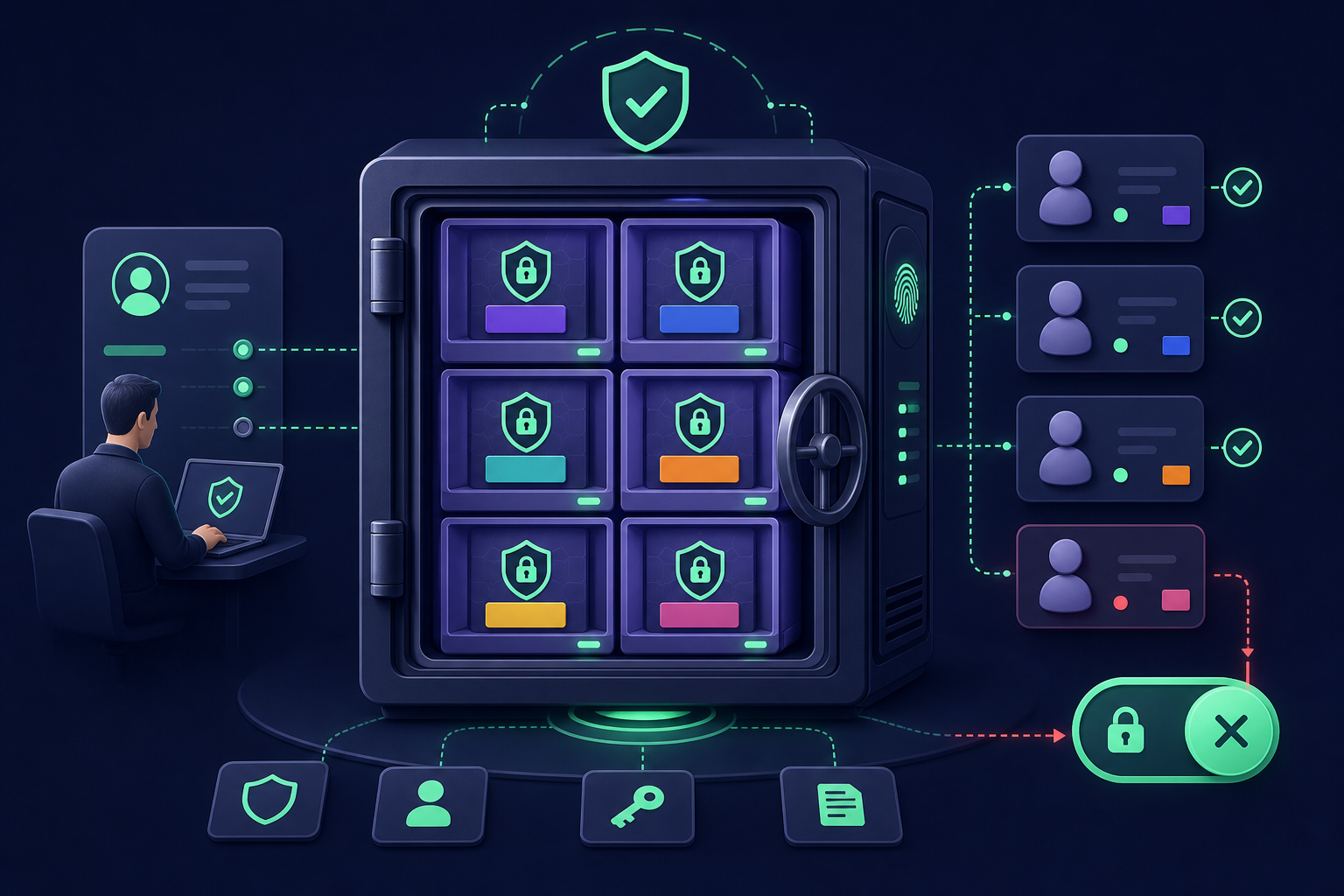
For MSPs, the platform offers dedicated per-client vaults, ensuring complete isolation between customer environments. This architecture means a technician assigned to Client A never has visibility into Client B’s codes. When a staff member leaves, you can perform instant revocation across all client vaults without the need to rotate underlying secrets.
Key MSP Features
- Granular Access Control: Assign role-based permissions so technicians only see the codes they need for their specific assignments.
- Audit-Ready Logging: Every time a code is accessed, Gatera logs the user identity and timestamp to help you meet compliance requirements.
- AES-256 Encryption: All shared OTP secrets are protected with multi-layer encryption at rest.
- Client Isolation: Keep customer authentication secrets separated at the architectural level to prevent accidental cross-tenant access.
Cisco Duo
Duo offers a mature partner programme designed to simplify multi-tenant management for service providers. It allows you to provision new accounts and manage security policies for all customers from a single parent admin panel.
Using access tags and role-based controls, you can centrally manage which technicians have administrative rights over specific customer sub-accounts. The Delegated Access feature allows your team to set authentication policies in one spot and monitor logs with full enrichment across all managed tenants, ensuring you maintain oversight without hopping between individual portals.
Bitwarden for Business
While primarily known as a password manager, Bitwarden includes a robust generator for TOTP vs HOTP codes. For MSPs, the Organisation and Collection features allow you to group client credentials and MFA codes together with granular access permissions.
If your technicians use both the Bitwarden Authenticator and the Password Manager, codes synchronise between the two apps. This provide a layer of backup if one application becomes inaccessible. Bitwarden also provides event and audit logs, which are essential for how MSPs manage client MFA codes while maintaining a clear paper trail for security audits.
1Password Business
1Password remains a popular choice for teams that want to consolidate passwords and MFA tokens in one interface. Their secure item sharing feature allows you to share specific records via expiring private links, which recipients can view even if they do not have their own account.
For internal MSP use, you can organise technicians into groups and shared vaults. This ensures that MFA for teams stays organised, with specific permissions that can restrict who is allowed to copy or view the actual six-digit codes. This prevents the "credential sprawl" that often occurs when onboarding multiple new clients.
Microsoft Authenticator
Microsoft reports that MFA-protected accounts have a protection factor better than 99.99% for commercial accounts. Within the Microsoft Entra admin centre, you can centrally enforce MFA policies and target specific administrative roles to secure your internal environment.
However, Microsoft Authenticator is often treated as a per-user factor rather than a shared team tool. For MSPs managing multiple independent client tenants, the challenge remains that there is no native way to centrally rotate or bulk-migrate individual app tokens across different customer environments. While useful for individual technician access, understanding what is MFA in a team context highlights the need for a more centralised vaulting solution for client-level admin secrets.
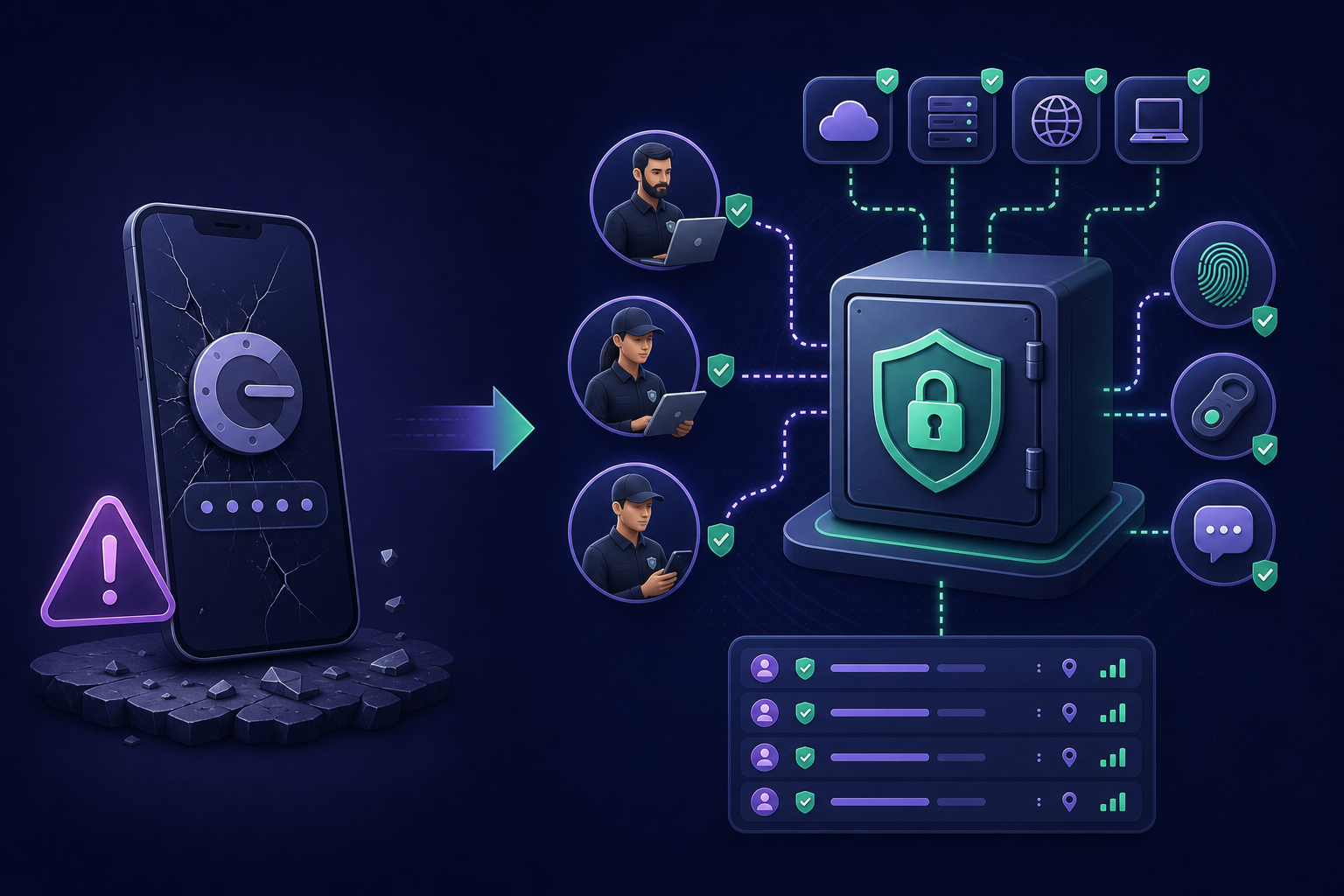
Relying on a single device for authentication creates a single point of failure that can lead to irreversible lockouts or helpdesk overload during device replacements. Transitioning to a managed, centralised model ensures that your technicians always have the access they need, while you maintain the audit trails required for modern security standards.
Stop juggling personal phones and start centralising your client secrets. Start your 14-day free trial of Gatera today and experience secure, team-based MFA management with no credit card required.