
How many of your GitHub collaborators are one phished password away from leaking your entire codebase? Enforcing multi-factor authentication (MFA) is the most effective way to secure your repositories without disrupting your engineering velocity.
As a GitHub organisation owner, you have the authority to mandate 2FA for every member, billing manager, and outside collaborator. This guide explains how to configure enforcement, monitor compliance, and manage the authentication lifecycle through a professional governance framework.
Preparing for MFA Enforcement
Before activating a mandate, you must ensure your own account is secure. GitHub prevents owners from requiring MFA for others if they have not yet secured their own login. Preparation is key to avoiding accidental lockouts or broken automated workflows.
You should notify your team well in advance. When you enable enforcement, anyone who hasn't configured a second factor will lose immediate access to organisation resources. To prepare effectively, follow these steps:
- Verify the current 2FA status of your team by navigating to the People tab to see which members are already compliant.
- Identify service accounts or "machine users" and ensure they have 2FA configured to prevent automated deployments from failing.
- Decide which authentication factors to permit, such as standard authenticator apps or hardware security keys, by reviewing the differences between TOTP vs HOTP.
How to Enable the MFA Requirement
Once your team is briefed and your own account is secured, you can activate the requirement through the organisation settings.
- Navigate to your organisation on GitHub and click Settings.
- In the security section of the sidebar, select Authentication security.
- Select the option to Require two-factor authentication for everyone in your organisation.
- Optionally select Only allow secure two-factor methods to block less secure factors like SMS, which is a critical step in understanding what is MFA in a high-security environment.
- Click Save and then Confirm to apply the changes across the organisation.
Impact on Members and Collaborators
The consequences of enforcement differ based on the user's role. Understanding these behaviours ensures you can manage the transition without losing critical talent or access.
Organisation Members and Billing Managers
Members who do not have 2FA enabled are not immediately removed from the organisation. Instead, they remain on the roster but are blocked from accessing repositories, settings, or data until they set up 2FA. Note that these users still consume a paid seat in your plan even while their access is restricted.
Outside Collaborators
Outside collaborators are treated with less leniency. If an outside collaborator does not have 2FA enabled when you enforce the policy, they are automatically removed. They lose access to repositories and any forks of private repositories. You can reinstate their previous permissions if they enable 2FA and you re-invite them within three months of their removal.
Bots and Service Accounts
Unattended accounts used for automation are often the weakest link in SaaS MFA management. GitHub requires these accounts to have 2FA enabled like any other user. If they are configured as outside collaborators and lack 2FA, they will be purged, which can immediately break your CI/CD pipelines.
Managing Shared MFA for DevOps Teams
A common bottleneck in MFA for DevOps teams is the reliance on personal smartphones. When a service account or a shared admin login requires a TOTP code, the secret is often trapped on a single engineer’s device, creating a dangerous single point of failure.
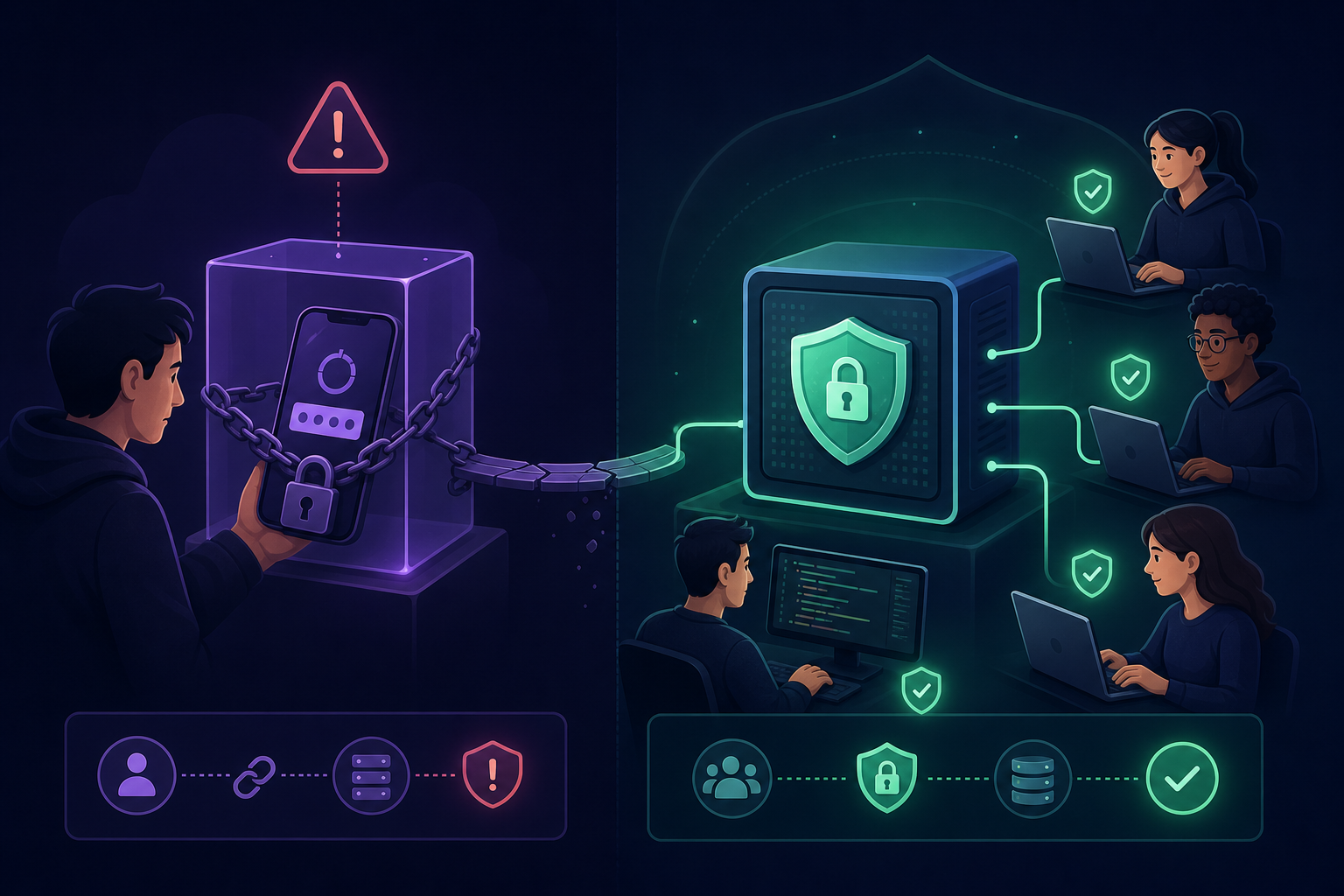
To maintain MFA compliance for IT teams, many organisations are moving away from individual devices toward a shared OTP vault. Using a platform like Gatera allows your team to centralise secrets by storing TOTP seeds in an encrypted vault rather than on personal phones. This provides granular access, allowing you to grant specific team members access to the GitHub MFA code while maintaining a full audit trail of every access event.
Monitoring Compliance and Audit Logs
After enforcement, you must monitor your audit logs to ensure no critical collaborators were inadvertently removed. Only organisation owners can access these logs, which retain data for up to 180 days, providing a clear history of security events.
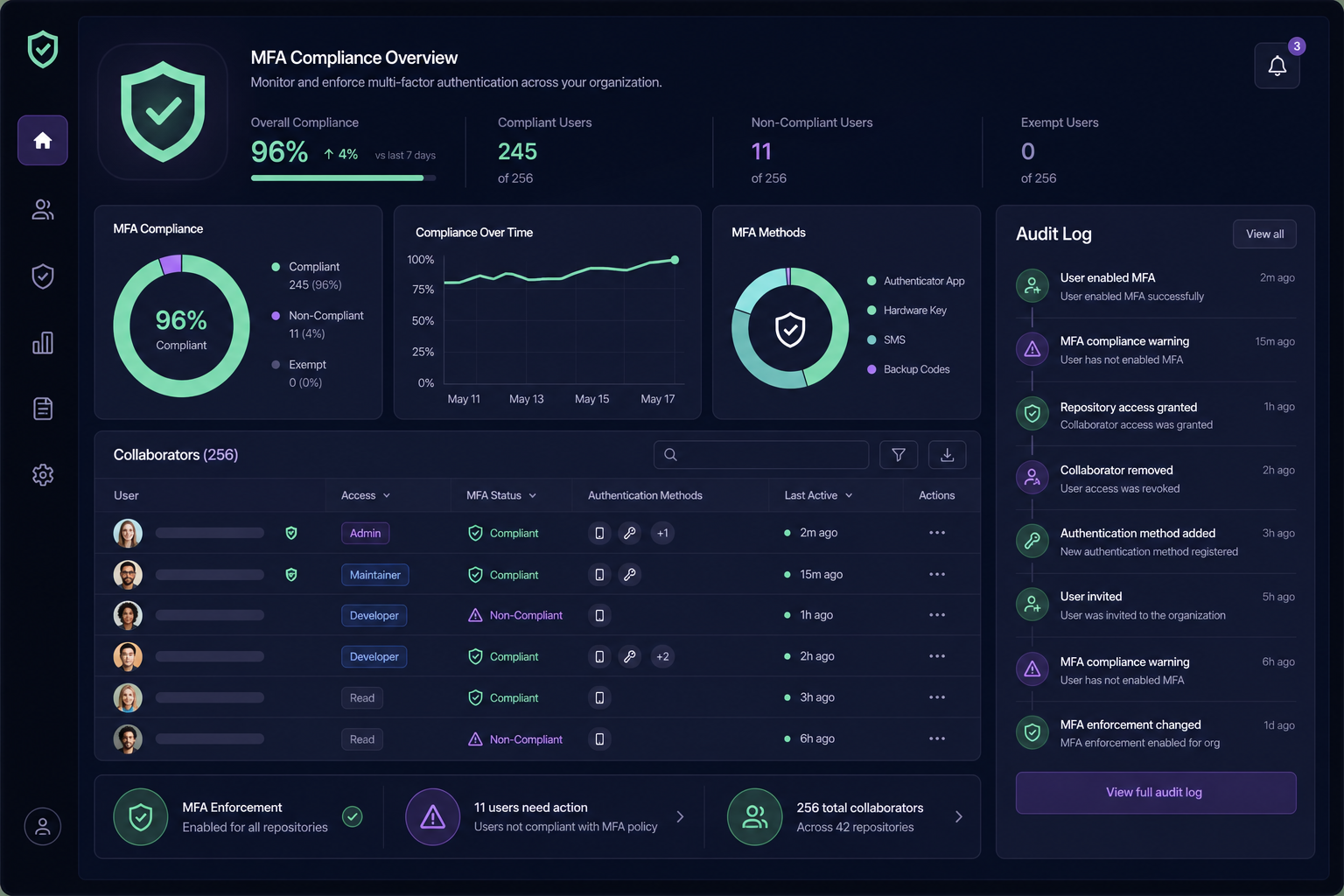
To check for removals, navigate to the audit log in your settings and search for specific actions such as action:org.remove_member or action:org.remove_outside_collaborator. The log entries explicitly state if the removal was due to 2FA non-compliance. If a service account appears in this list, you must have the account owner enable 2FA – ideally using a centralised MFA management tool – before re-inviting them to the organisation.
Securing your GitHub organisation is a matter of governance, not just configuration. By moving your team’s authentication secrets into a secure MFA for teams environment, you eliminate the friction of shared accounts while meeting the highest security standards.
Stop relying on personal phones for your organisation's security. Start your 14-day free trial with Gatera today to centralise your GitHub MFA codes in a secure, audit-ready vault.