
How many "ghost" accounts does your MSP still have in former client environments? Transitioning a client out is a high-risk period where administrative oversights lead to security gaps, data leaks, and legal liabilities. Use this guide to eliminate transition risks.
A secure offboarding protocol ensures that once a contract ends, your access is fully terminated and no sensitive data remains on your systems. You should use these steps to formalise your MSP security checklist and protect your firm from long-term liability.
Phase 1: Identity and Administrative Access Revocation
The most critical step in any transition is the immediate revocation of privileged access. Leaving administrative backdoors open creates a security risk for the former client and leaves your MSP legally vulnerable if a breach occurs post-termination.
- Remove Delegated Admin Permissions: In the Microsoft 365 admin centre, you should navigate to Settings and then Partner relationships to remove all delegated administrative roles. While this revokes your management capabilities, remember that you must cancel the reseller relationship separately within the Partner Centre.
- Offboard Azure Lighthouse: If you utilize Azure Lighthouse for cross-tenant management, ensure the customer removes the delegation. Alternatively, you can delete the managed services registration assignment yourself via PowerShell or the Azure CLI.
- Terminate Remote Access: You must revoke all VPN credentials, SSH keys, and remote-access tokens. If you have established site-to-site tunnels, decommission the associated certificates immediately to prevent unauthorized persistent connections.
- Disable Local Admin Accounts: Technicians often create local administrator accounts for troubleshooting. You must ensure every technician-specific local admin account on servers and workstations is either disabled or deleted entirely.
Phase 2: Credential and MFA Deprovisioning
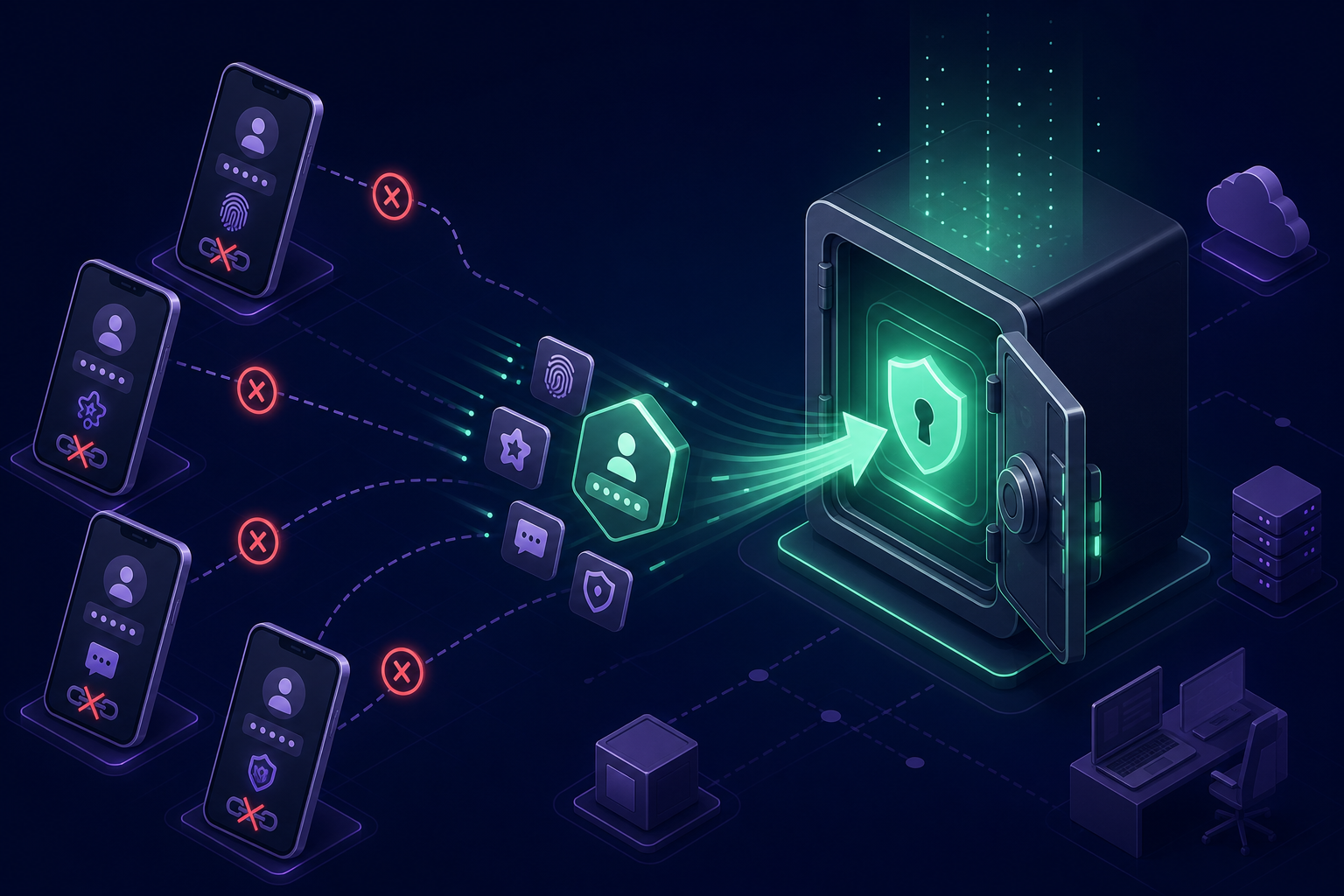
Shared credentials and multi-factor authentication (MFA) seeds are frequently overlooked during the offboarding process. If your technicians still have client MFA codes on their personal smartphones, you have a "shadow MFA" problem that compromises both the client's security and your own internal compliance.
- Rotate Shared Account Passwords: Even during a friendly handoff, you must rotate the underlying secrets for shared administrative accounts, such as Global Admin or Root logins. This ensures that your team no longer possesses the "keys to the kingdom" after the transition date.
- Deprovision Shared MFA Seeds: You should move away from distributed MFA where seeds live on individual devices. By utilizing a centralised MFA vault, you can manage client MFA codes without secrets ever leaving your professional control.
- Instant Access Revocation: Your internal workflow for removing staff access should take less than five minutes. You need a platform that allows you to revoke a staff member's access to all client vaults instantly, preventing departing technicians from taking authentication seeds with them.
- Audit the Final Handoff: You should maintain a record of exactly who triggered the offboarding and when each secret was rotated. Providing a clear audit trail helps both parties demonstrate regulatory compliance.
Phase 3: Tooling and Agent De-installation
Lingering software agents are a common nuisance during transitions. If a new provider finds your old RMM (Remote Monitoring and Management) tool heartbeating on a server months later, it may be flagged as unauthorized software, damaging your professional reputation.
- RMM and Security Agents: Use your RMM to execute a mass uninstallation script across all client endpoints. Once completed, verify that the agents have been removed from your dashboard to confirm they are no longer communicating with your infrastructure.
- Backup Repositories: If you host client backups on your own hardware, coordinate a secure data transfer. Once the client confirms the integrity of the data at the new location, you should perform a cryptographic wipe of the old backup sets to ensure no data is recoverable.
- Documentation Sanitisation: You must remove the client from documentation platforms like IT Glue or Hudu. Ensure that all privileged access management records are either archived or deleted in accordance with your data retention policy.
Phase 4: Data Handoff and Inventory
A professional exit requires a structured transfer of all assets and information managed by your team. This final handoff protects you from claims that data was lost or withheld during the transition period.

- Provide a Final Asset Inventory: Supply the client with a comprehensive report of all hardware, software licenses, and cloud assets under your management.
- Secure Password Export: You must securely hand over all stored passwords and shared OTP secrets. Ensure you use an encrypted transfer method rather than plaintext spreadsheets.
- Verify Data Integrity: Before final disengagement, obtain a sign-off from the client or their new MSP. This document should confirm they have received all necessary credentials and that all primary systems are fully accessible.
Standardising the Transition
Secure offboarding is an essential component of maintaining MFA compliance for IT teams. By implementing per-client MFA vaults, you ensure that your staff only see the codes necessary for their current assignments. This makes the eventual offboarding process a simple matter of revoking a single permission set rather than a frantic hunt for scattered secrets.
Protect your MSP from lingering liabilities by centralising your authentication secrets today. Start your 14-day free trial with Gatera and see how easy it is to manage and revoke client access in seconds.