
Did you know that enabling multi-factor authentication can prevent over 99% of account-based attacks? For IT professionals, choosing the right type of 2FA is the foundation of a modern Zero Trust security model and is no longer just an optional extra.
When you look beyond the basic password, authentication generally falls into three distinct categories:
- Something you know: A password, PIN, or a memorised secret.
- Something you have: A physical security key, a trusted mobile device, or a shared OTP secret.
- Something you are: Biometric data like a fingerprint or facial recognition.
Understanding how multi-factor authentication (MFA) methods compare in terms of security and functionality is essential for securing your environment and meeting modern compliance standards.
SMS and Voice-Based Authentication
SMS-based 2FA delivers a unique, time-sensitive numeric code to a registered mobile phone number. Because it requires no additional hardware or specific app installations, it has traditionally been the default choice for many consumer-facing services.
From a professional security standpoint, however, SMS is now considered a restricted authenticator. NIST SP 800-63B warns that SMS and voice codes are vulnerable to sophisticated attacks such as SIM swapping, number porting, and interception via the public switched telephone network (PSTN). Because these codes are not cryptographically bound to the user's session, they are not phishing-resistant and should be avoided for high-privilege accounts.
Authenticator Apps (TOTP)
Authenticator apps generate a one-time password (OTP) locally on your device. Most modern SaaS platforms use Time-based One-Time Passwords (TOTP), which typically refresh every 30 to 60 seconds.
The service provides a secret seed key, usually shared via a QR code. Your authenticator app uses this key combined with the current time to generate a unique six-digit code. Because the code is ephemeral and generated locally, it is significantly more secure than SMS.
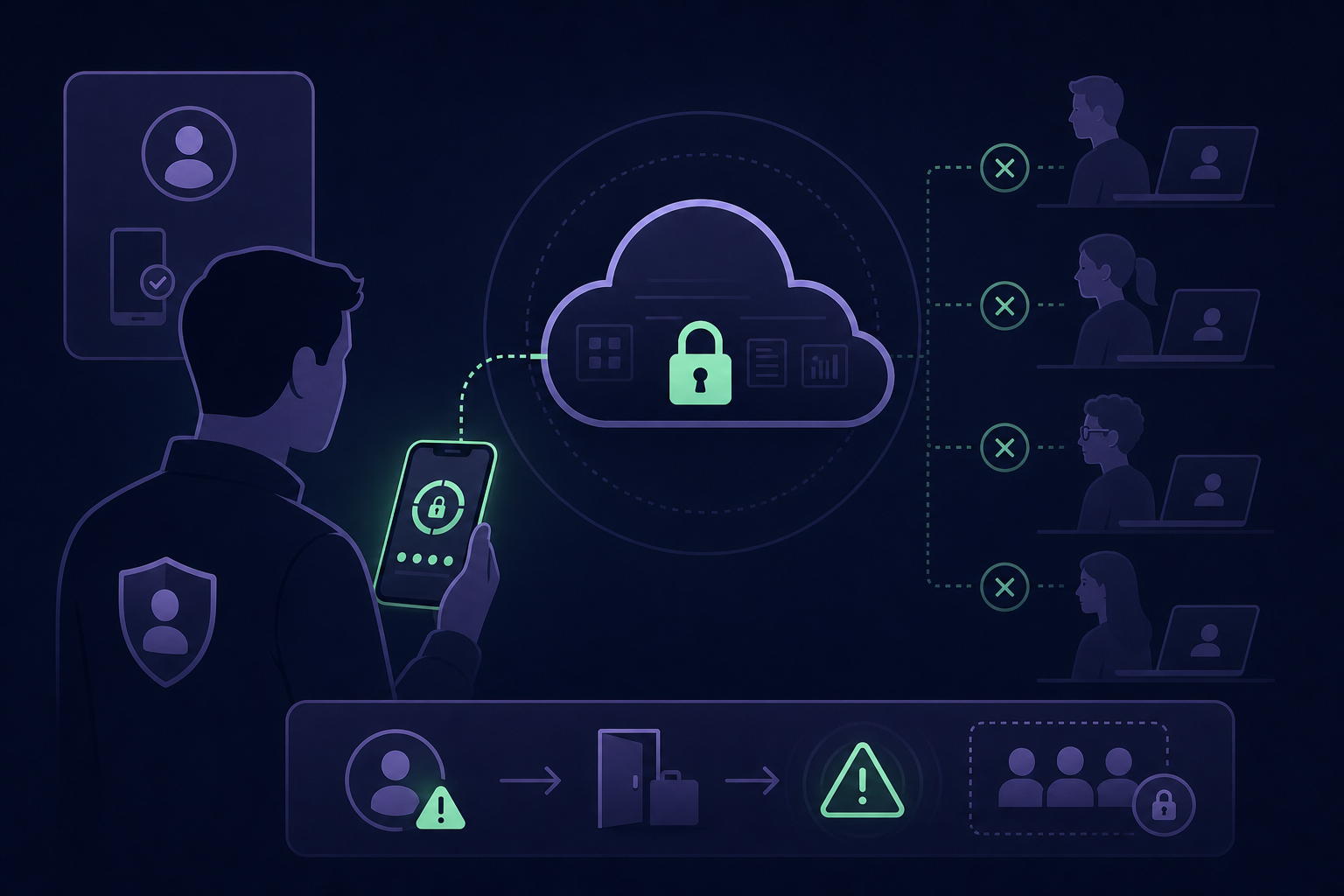
While TOTP is a strong choice for cloud-based accounts, it presents an operational challenge for technical teams. If a shared account is tied to an individual engineer’s personal smartphone, you create a single point of failure and a significant offboarding risk if that employee leaves the organisation.
Push Notifications
Push-based MFA is often preferred for its ease of use. Instead of manually typing a six-digit code, you simply tap a button to approve a mobile notification sent to your device.
While convenient, this method is susceptible to MFA fatigue or prompt bombing. In these scenarios, attackers who have already compromised a password send repeated push requests until a frustrated or distracted user accidentally approves the login. To mitigate this risk, many modern systems now implement number matching, where you must type a specific code displayed on the login screen into the app to confirm the request.
Hardware Tokens and Security Keys
Physical security keys, such as FIDO2-compliant USB or NFC devices, are widely considered the gold standard of authentication. Unlike standard OTPs, these keys use cryptographic binding to verify identity.
- Phishing Resistance: These devices are designed to detect if a website is masquerading as a legitimate system, refusing to provide credentials to fraudulent sites.
- Reliability: Hardware tokens do not rely on battery life or a mobile data connection to function.
- Physical Possession: They prove possession of a tangible device that is extremely difficult to clone or spoof remotely.
The primary downsides include the initial hardware cost and the logistical burden of replacing a lost physical key, which can cause significant downtime for technical staff.
Biometric Authentication
Biometrics use something you are to verify your identity, such as fingerprint scans, facial recognition, or iris patterns. This method is common in mobile device security and systems like Windows Hello.
Biometrics are incredibly difficult to spoof and offer a frictionless user experience. However, in an enterprise context, they are often used as a gateway to access another factor – such as a stored passkey – rather than serving as a standalone method for accessing remote cloud infrastructure or shared administrative consoles.
Choosing the Right Mix for Your Team
When evaluating MFA vs 2FA, your goal should be to eliminate single points of failure while maintaining a smooth workflow. While hardware keys offer the highest level of security, TOTP remains the most versatile method for the diverse range of SaaS tools that IT teams use daily.
The primary challenge for most organisations is MFA management. When authentication secrets are scattered across personal devices, you lose the centralised visibility and audit logs required for compliance standards like SOC 2 or ISO 27001.
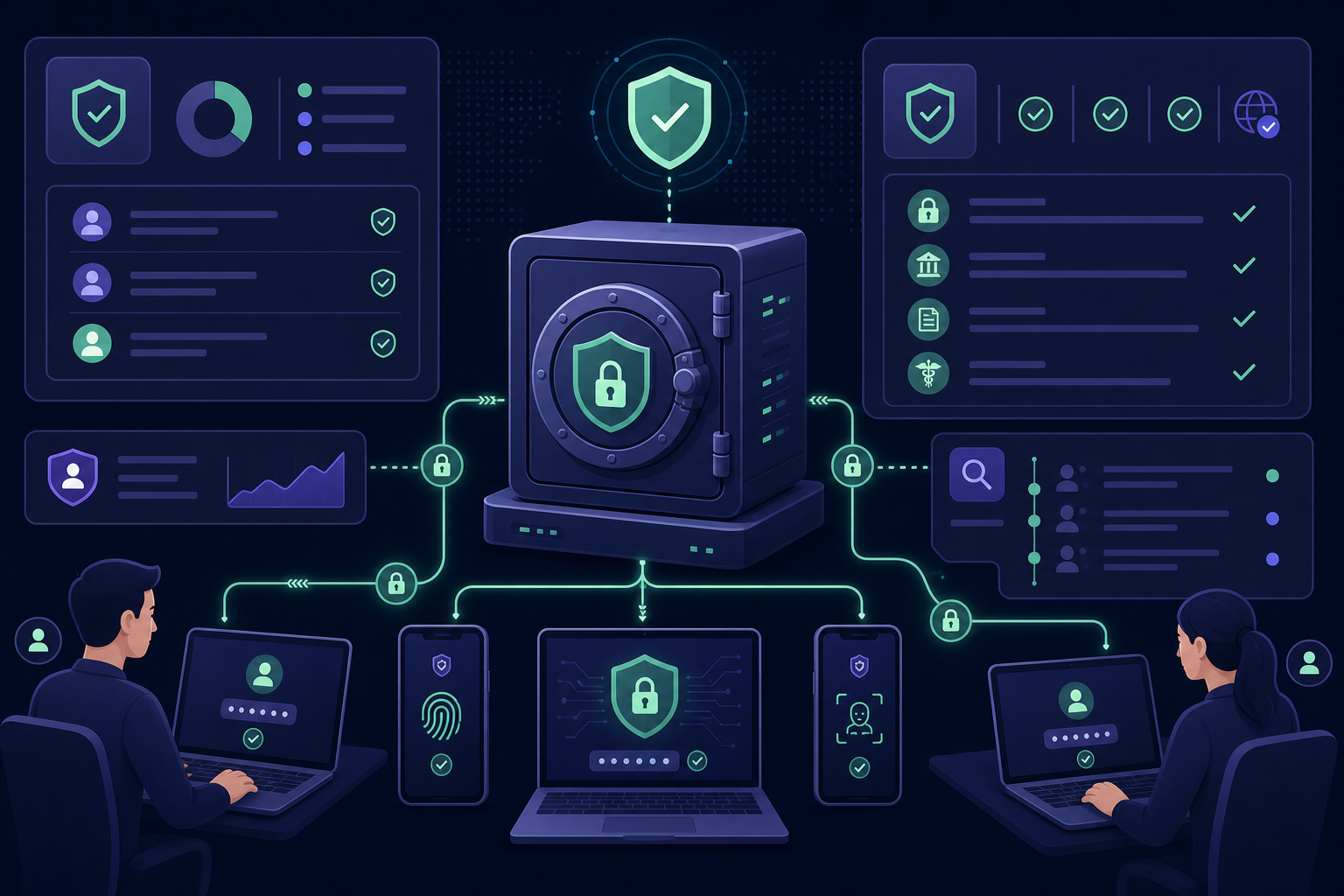
To secure your workflows without creating bottlenecks, you must organise these secrets in a secure, team-based environment. By moving away from ad-hoc code sharing and personal device reliance, you can ensure your organisation remains both secure and agile.
Centralise your team’s authentication secrets and eliminate single points of failure. Start your 14-day free trial of Gatera today to secure your shared MFA codes in one encrypted, audit-ready vault.